Opt In to Alert Notifications
You are required to opt in to receive alert notifications for continuous consumption An event, such as a leak, that causes water to flow continuously through an endpoint. and major reverse flow events. Each alert description indicates the criteria for which you receive daily emailed notifications.
Important! Only users with permission to view alert notifications can opt in to receive daily emails. If you do not see Alert Notifications when you access your user profile, contact your system administrator.
Opt In to Continuous Consumption Alerts
- Click
 on the page header to display the menu, and then select Alert Notifications to display your notification options.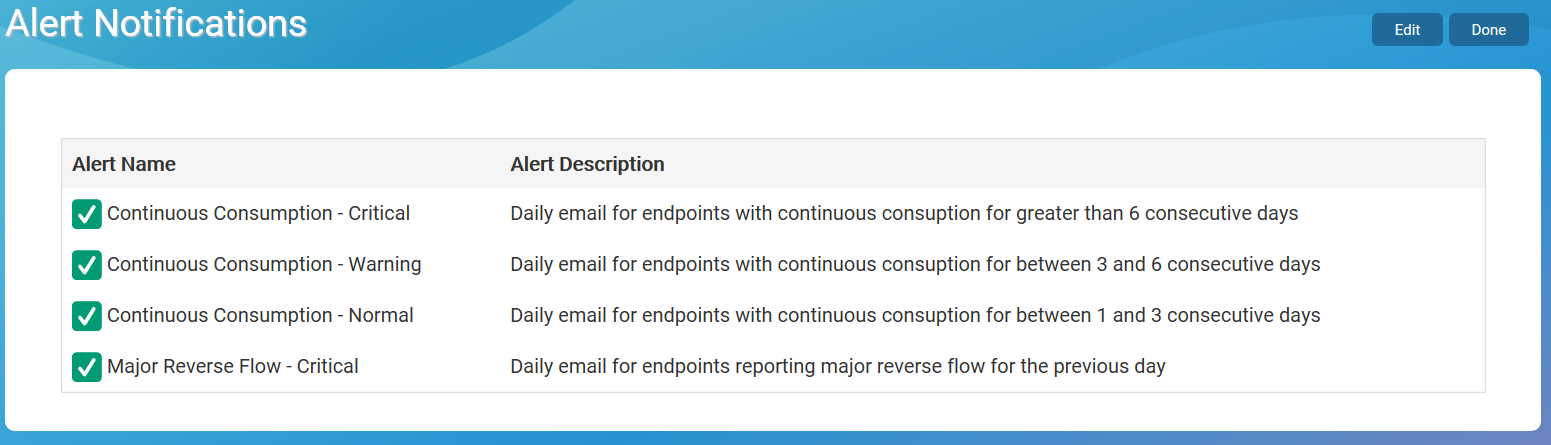
- Click Edit in the top right corner of the screen to enable the alert selections.
- Select Yes for each alert you want to opt in to.
- Click Done in the top right corner to save the selections.

